Sourcing from China
EV Charger Remote Diagnostics: Which Logs and Data to Ask For
What remote diagnostics a supplier should provide: logs, error codes, status data, firmware version, access, response times and how they cut site visits.
- Prepared by
- VULTAE Engineering Team
- Published
- Reading time
- 1 min
- Sources
- —
Key takeaways
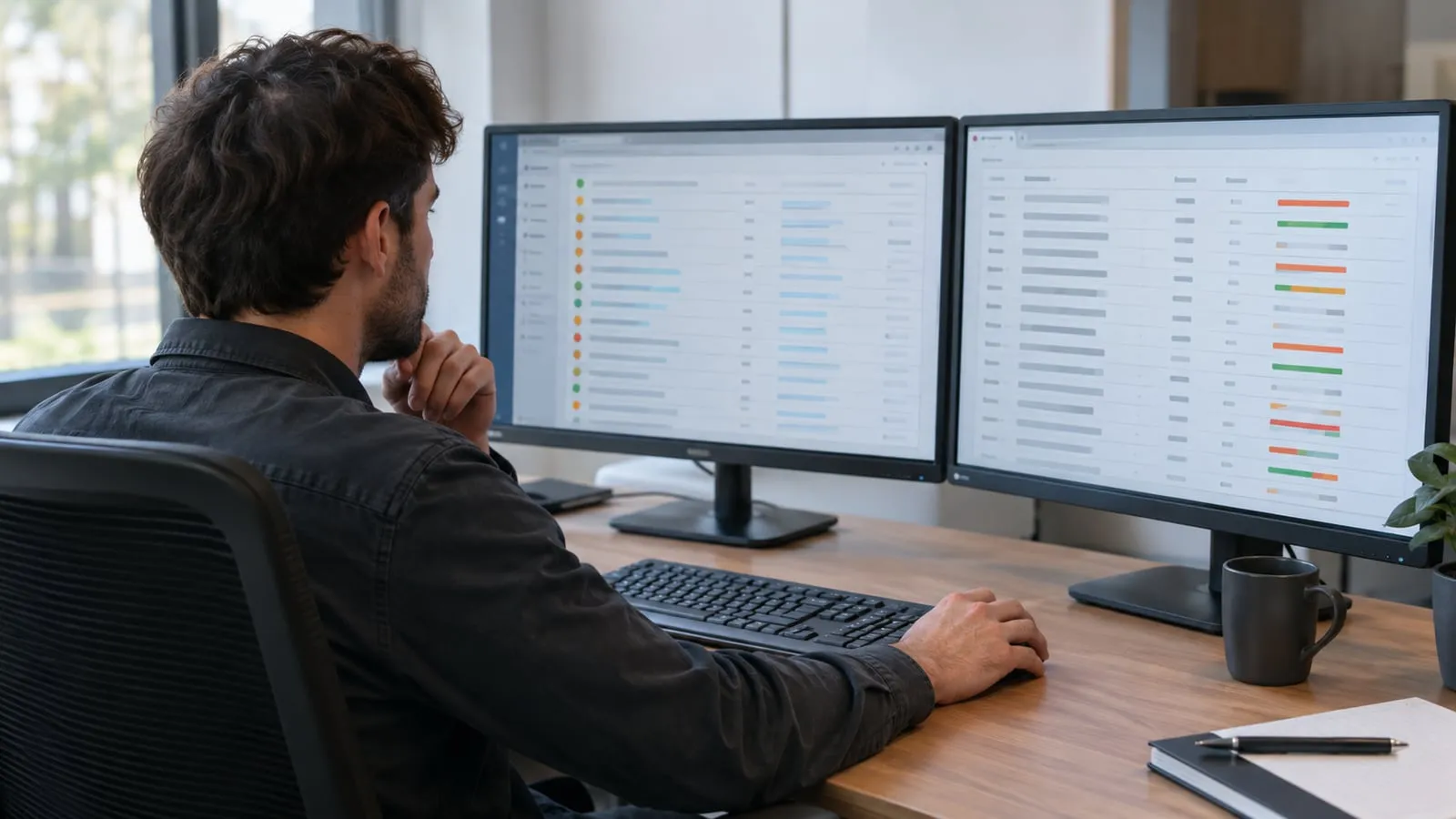
- 1Good remote diagnostics solve many faults without a site visit. Ask what logs and status data the charger records, how you can access them and how the supplier uses them.
- 2The most useful data are error codes, status transitions, meter values, firmware version, connectivity events and local logs that can be downloaded.
- 3Put support response times and access rights in the contract, and make sure you can export the data without depending on one platform.
Contents
Short answer: ask the supplier for error codes, status history, meter values, firmware data and downloadable logs, plus access rules and response times. Good diagnostics save site visits and downtime.
What data helps
| Data | Use |
|---|---|
| Error and status codes | Identify the fault category |
| Connector status history | See sequence before the fault |
| Meter values | Check energy, current and voltage |
| Connectivity events | Network or back-end issues |
| Firmware and hardware versions | Match known issues |
| Local log files | Detailed internal events |
| Temperature data | Cooling and derating issues |
Access and security
- Who can see the data.
- How access is granted and removed.
- Where the data is stored.
- How you export it — see cybersecurity.
What to put in the contract
| Item | Specify |
|---|---|
| Response time | Hours for a first answer |
| Data to provide | Logs and codes on request |
| Remote actions | Reboot, configuration, firmware |
| Escalation | What happens if remote fixes fail |
| Spare parts | Replacement for common faults — see the spare parts list |
Practical checklist for a claim
- Serial number and firmware version.
- Time of the fault.
- Error code or symptom.
- Photos and logs.
- Back-end event log for the same time.
See troubleshooting for the checks to do first, and the warranty and service page for how VULTAE handles claims.
Questions buyers ask
- Which OCPP messages help with diagnostics?
- StatusNotification, error codes in status messages, MeterValues, and diagnostics upload requests are commonly used. OCPP 2.0.1 adds richer event and monitoring messages.
- Can the supplier access my chargers?
- Only if you give access. Agree how access is granted, logged and removed, and who can change settings.
- How does this reduce cost?
- Many faults are settings, firmware or communication problems that can be fixed remotely, avoiding a technician visit.