Installation & Power
EV Charger Maintenance Checklist: Monthly, Quarterly and Annual Tasks
A practical EV charger maintenance schedule for AC and DC chargers: visual checks, cable and connector care, filters, torque, SPD status, software and records.
- Prepared by
- VULTAE Engineering Team
- Published
- Reading time
- 3 min
- Sources
- 3 references
Key takeaways
- 1Most charger faults are mechanical and environmental: damaged cables and connectors, blocked air filters, loose terminals, water ingress and ageing surge devices. A short, regular inspection catches most of them before drivers do.
- 2Suggested rhythm: quick visual and function check monthly, deeper inspection quarterly, and a full electrical and software service once a year. DC chargers in dusty or coastal sites need more frequent filter and corrosion checks.
- 3Keep records per charger: date, task, readings, parts replaced and the firmware version. Records support warranty claims and uptime reports.
- 4Stock the common spare parts — connectors, cables, contactors, filters, power modules for DC — so that a repair takes hours, not weeks.

Short answer: check monthly, inspect quarterly, service yearly. The monthly visit is visual and functional, the quarterly one adds cleaning, filters and torque, the annual one adds electrical tests and software. Keep a record per charger and a kit of spare parts. Safety work inside the charger must be done by a qualified person with the supply isolated.
Schedule
| Interval | Tasks | Who |
|---|---|---|
| Monthly | Look for damage; test one session; clean the screen and housing; check LED and display; check the cable and connector | Site staff or operator |
| Quarterly | Everything above plus: clean air filters and vents; check gland seals; check bollards and mounting; check the SPD status; check signage and lighting | Technician |
| Annually | Everything above plus: open the charger; check terminal torque; thermal image under load; insulation and earth tests; RCD test; check contactors; update firmware; calibrate if required | Qualified electrician or service partner |
| After a storm or impact | Check housing, cable, SPD, earth | Technician |
Checklist by area
Housing and mounting
- No cracks, dents or water marks
- Door seals intact; locks work
- Mounting bolts tight; bollards undamaged
- Paint or coating not corroded — see coastal and desert sites
Cable and connector
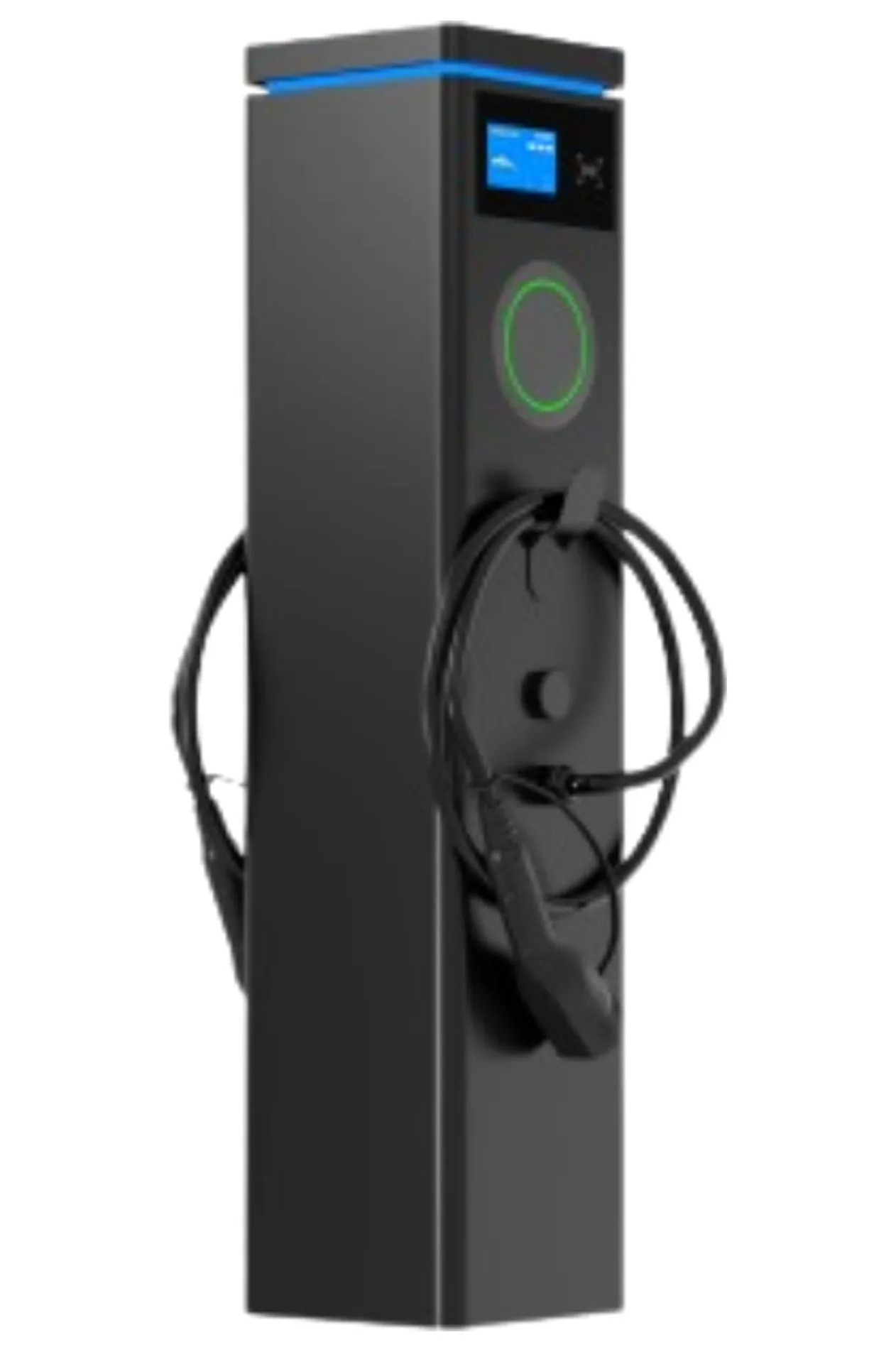
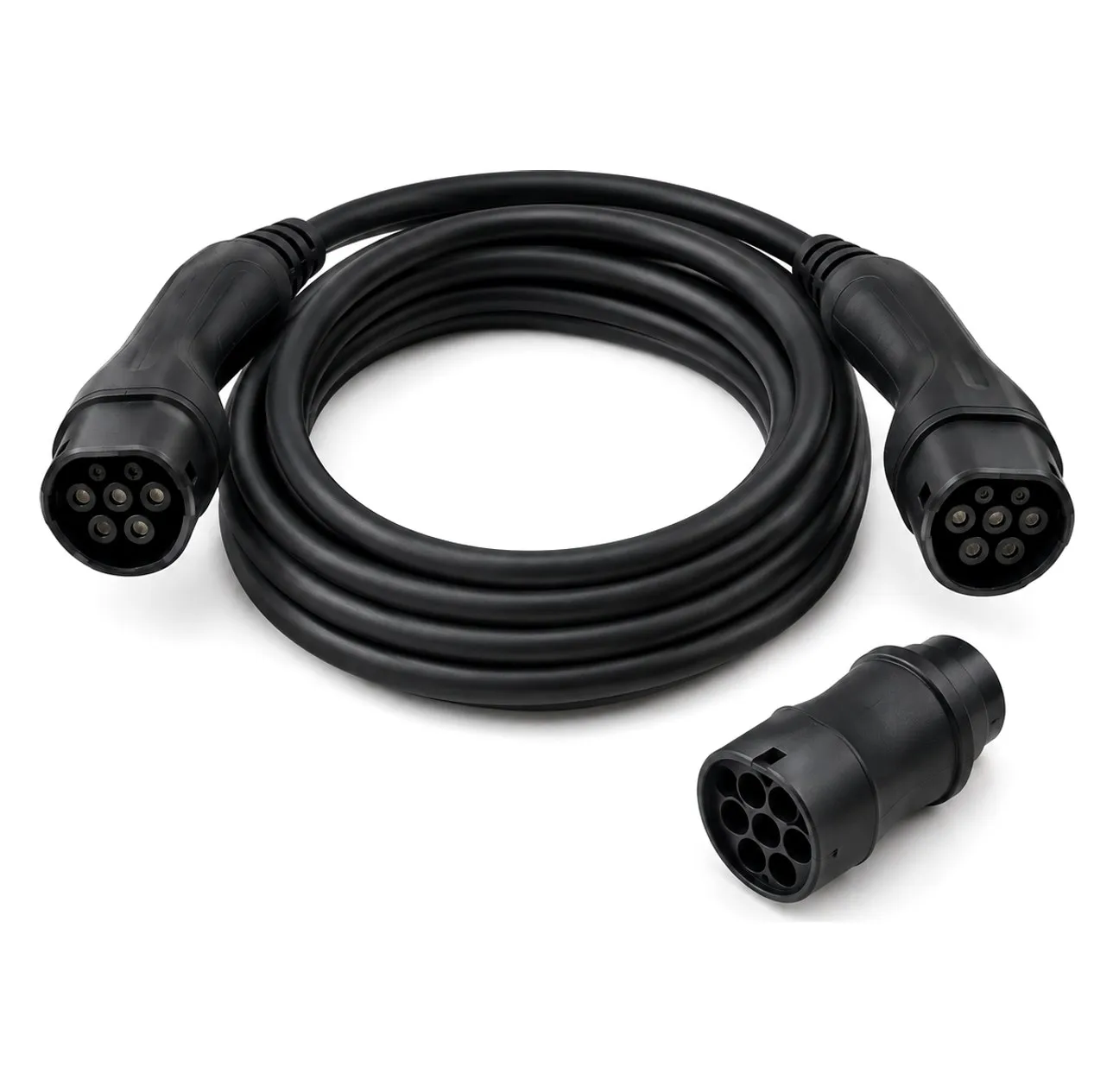
- Cable jacket without cuts, kinks or crushed sections
- Connector pins clean and unburned; latch moves freely
- Connector holder and cable hanger fit properly
- Dust cap in place on the holster
Electrical
- Terminals tight (torque to the manual’s value) — loose terminals cause heating
- No discoloured insulation or burn marks
- Contactor operates smoothly; contacts not pitted
- SPD indicator green; replace if red — see surge protection
- RCD test button works; trip test done annually
Cooling (especially DC)
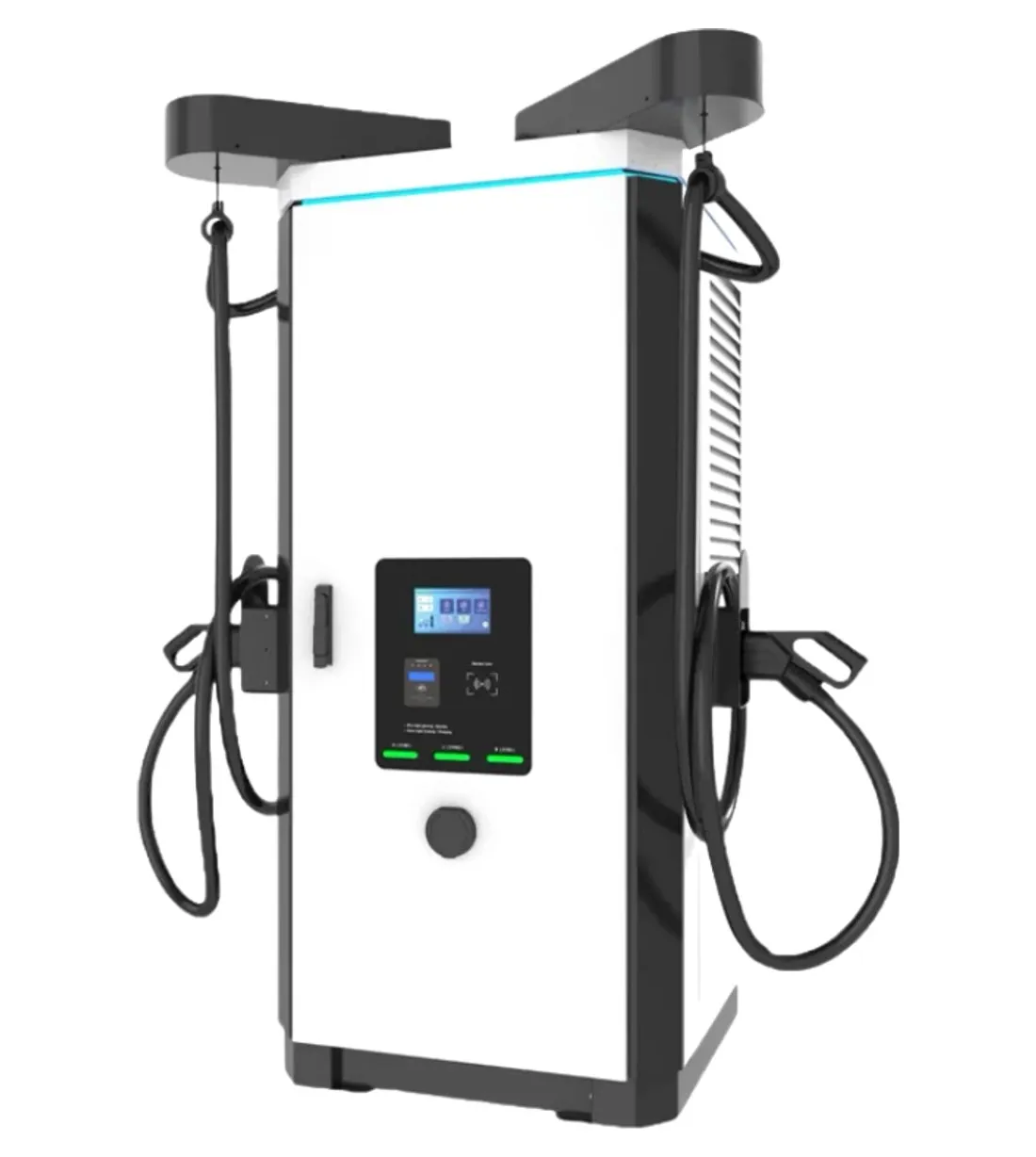
- Air filters clean or replaced
- Fans run without noise; vents unblocked
- Temperatures in the log are normal — see hot climates
Software and communication
- Charger online; signal strength acceptable — see connectivity
- Firmware current; update scheduled — see OTA updates
- Fault log reviewed; recurring faults investigated
- Meter readings plausible against the utility meter
Site
- Bay markings, signs and lighting OK
- No obstruction of airflow; no vegetation growth; clear access
- Emergency contact label readable
Spare parts to keep
| Part | Reason |
|---|---|
| Connector and cable assembly | Most frequent wear item |
| Connector holder, cable hook | Often broken by vehicles |
| Contactor and RCD | Wear with use |
| Air filters and fans (DC) | Replace routinely |
| Power module (DC) | One spare per site or per depot cuts repair time |
| Display, RFID reader | Exposed to vandalism |
| Controller board | Rare but long lead time |
See the spare parts list for a fuller list.
Records
For each charger keep: date, task, name of technician, readings (voltage, current, temperature, torque), parts replaced, firmware version and a photo. These records support warranty claims, insurance and the uptime reports required for public chargers — see EV charger uptime.
Fault handling
When a fault is found: isolate the supply, put up a warning, check the fault code and log, find the cause, repair, test and record. For common faults see EV charger troubleshooting.
VULTAE service
Our warranty and service page sets out the two-year warranty and how to request support. Ask us for the maintenance manual and spare parts list of your model when you order.
Questions buyers ask
- How often should an EV charger be serviced?
- A visual and function check every month, a deeper inspection every three months, and a full service at least once a year. Heavy-use public DC chargers, and chargers in dusty, hot or coastal sites, often need shorter intervals.
- What parts wear out first?
- Charging cables and connectors (bending, dragging, vehicle runovers), contactors (switching cycles), cooling fans and air filters, and surge protective devices. Display screens and RFID readers are also exposed to vandalism and weather.
- Can I do maintenance myself?
- Visual checks and cleaning can be done by the site owner. Work inside the charger needs a qualified electrician and must follow the manufacturer’s instructions, with the supply isolated and locked off.
- How do I reduce downtime?
- Monitor chargers remotely so that faults are found early, keep a spare-parts kit on site or at a nearby depot, train a local technician and agree a response time with the supplier. See the uptime article for more.
References
- [1]IEC 61851-1:2017 — general requirements. International Electrotechnical Commission.
- [2]The Public Charge Point Regulations 2023. legislation.gov.uk.
- [3]Alternative Fuels Data Center: electricity infrastructure development. U.S. Department of Energy.