Charging Business
When to Replace or Upgrade EV Charger Hardware
Signs that EV charging hardware needs replacing: failure rates, obsolete protocols, parts shortages, cost of repair and how to plan a refresh.
- Prepared by
- VULTAE Engineering Team
- Published
- Reading time
- 1 min
- Sources
- —
Key takeaways
- 1Replace hardware when the cost and downtime of repairs, the lack of parts or support, or an outdated protocol outweigh the cost of a new unit. Track failures by charger to see the pattern.
- 2Plan for a refresh in the business plan: chargers have a service life, but connectors, cables, screens and communication modules wear sooner than the cabinet.
- 3Upgrading can mean firmware, a communication module or a power module, not always a whole charger. Ask the manufacturer what can be upgraded.
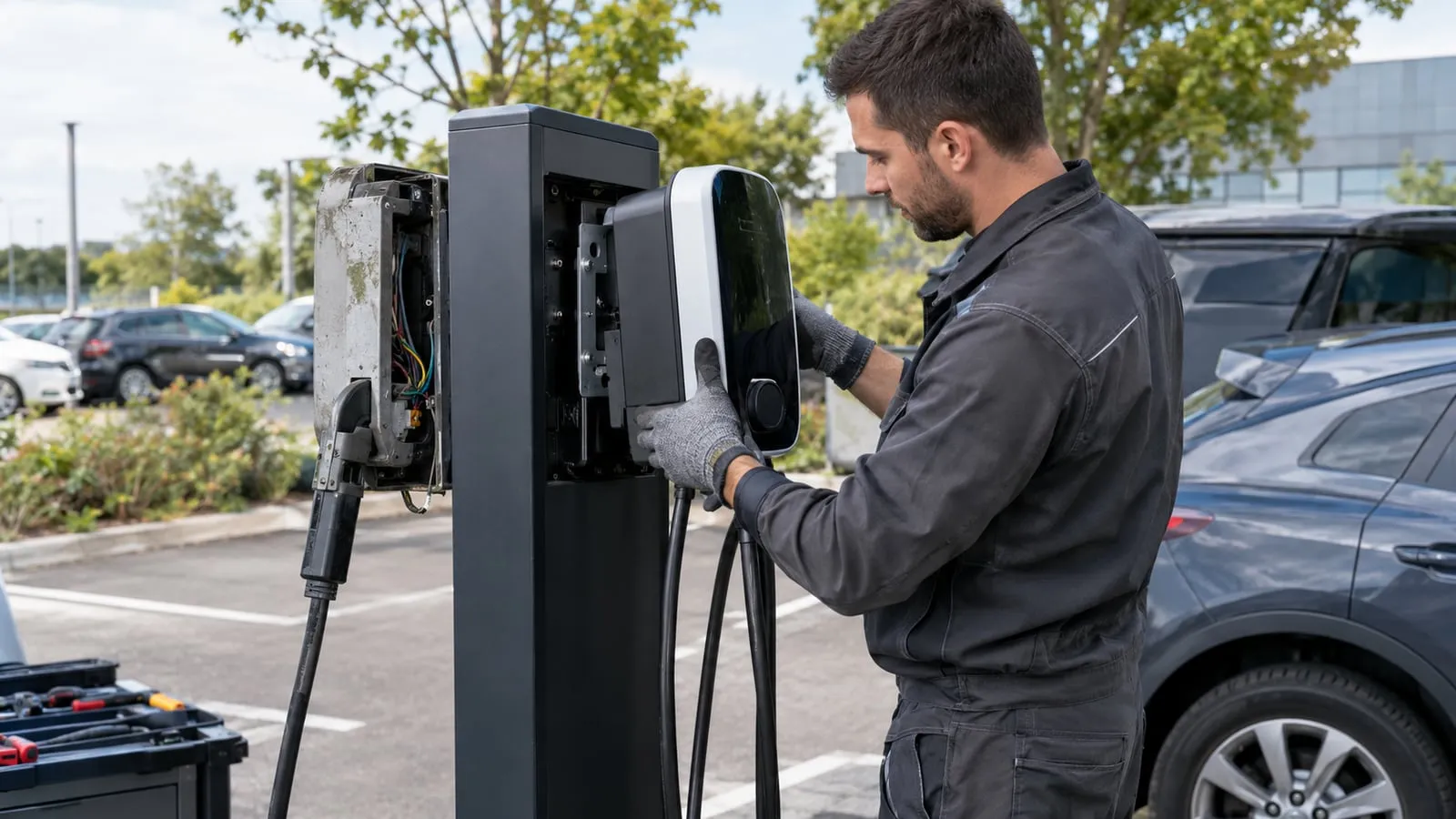
Short answer: replace when repair cost, downtime and risk exceed the cost of a new unit — or when parts, firmware or protocol support run out. Track failures per charger and plan a refresh budget.
Signs it is time
| Sign | Why it matters |
|---|---|
| Repeated failures of the same unit | Cost and lost revenue |
| Parts no longer available | Long downtime |
| Firmware no longer updated | Security and compatibility |
| Protocol outdated | Back-end or roaming problems |
| Connector or cable wear | Safety and user experience |
| Low utilisation | The site may not justify the unit |
Options
- Repair or replace a part (cable, connector, board, module).
- Upgrade firmware or communication modules.
- Replace the unit.
- Relocate a good unit to a busier site.
Data to collect
- Failure log per charger.
- Time to repair and cost.
- Sessions and revenue per charger — see network KPIs.
- Spare parts availability — see the spare parts list.
Plan the refresh
| Item | Action |
|---|---|
| Budget | Reserve part of revenue for replacement |
| Standards | Choose units that can follow new protocols |
| Supply | Check the existing supply and ducts for the new unit |
| Downtime | Schedule outside peak hours |
For maintenance that extends life, see the maintenance checklist and uptime.
Questions buyers ask
- How long does a charger last?
- It depends on the product, the environment and maintenance. Connectors, cables and screens wear faster than the enclosure and power electronics.
- How do I know a charger is due for replacement?
- Rising failures, repeated repairs, unavailable parts, unsupported protocols and rising maintenance costs are all signs.
- Can I upgrade OCPP on an existing charger?
- Sometimes by firmware, sometimes not. Ask the manufacturer whether the unit supports the newer version and how the update is done.