Fleet & Heavy Vehicles
Fleet Charging Software: Scheduling and Cost Allocation
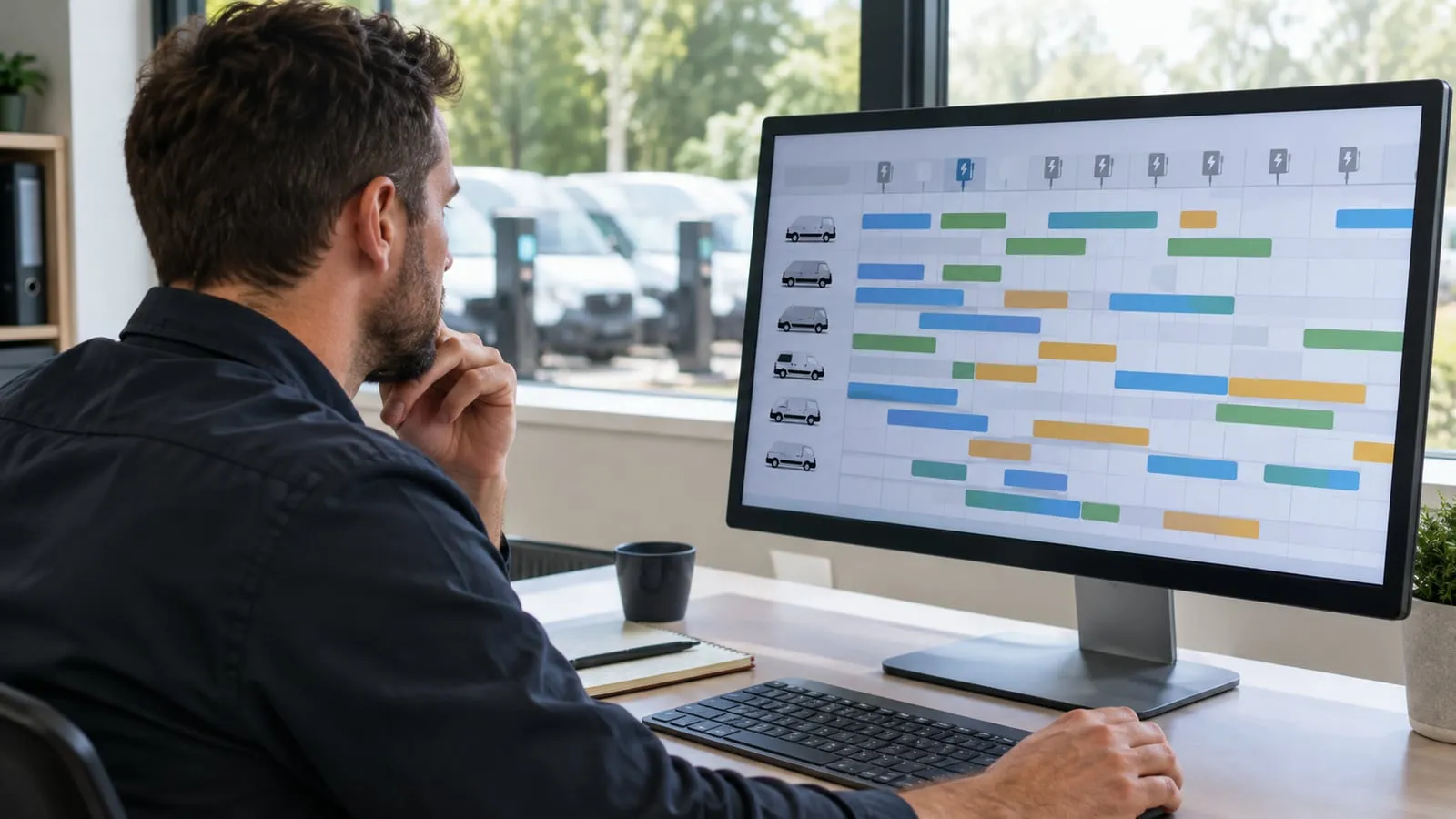
What fleet charging software should do: schedule around shifts and tariffs, balance load, identify drivers, allocate cost per vehicle and export reports.
- Prepared by
- VULTAE Engineering Team
- Published
- Reading time
- 2 min
- Sources
- —
Key takeaways
- 1Fleet charging software plans when each vehicle charges so it is ready for its shift, uses cheaper hours and stays inside the supply limit, and it records every kWh against a vehicle or driver.
- 2Insist on OCPP support so chargers from different brands work with it, on open data export so you can leave, and on driver or vehicle identification so cost allocation is accurate.
- 3Start from the reports finance and operations need and work backwards to the features, then test the software with a few chargers before a full roll-out.
Contents
Short answer: choose software that schedules charging around shifts and tariffs, balances load within the supply, identifies each vehicle or driver and allocates cost with clean exports for finance. Check OCPP support and data ownership first.
What the software must do
| Function | What it does | Why it matters |
|---|---|---|
| Scheduling | Starts and limits sessions so vehicles are ready at departure | Meets operations and uses cheap electricity |
| Load management | Limits total charger power to the supply | Avoids tripping and demand charges; see dynamic load management |
| Identification | Links sessions to a vehicle or driver (RFID, app, plug & charge) | Accurate cost allocation |
| Cost allocation | Applies tariffs to metered energy per session | Finance and driver billing |
| Monitoring | Shows charger status, faults and utilisation | Uptime; see uptime |
| Reports and export | Per vehicle, driver, site and month; CSV or API | Finance, planning, audit |
| Alerts | Faults, missed charges, low state of charge | Fewer surprises |
A worked example
A depot has 40 vans, a supply limit of 150 kW for charging and a night tariff cheaper than the day tariff.
- Vans arrive at 18:00 and leave at 06:00 (12 hours).
- Each needs about 30 kWh. The total is 1,200 kWh.
- At 150 kW the depot can deliver 1,800 kWh in 12 hours, so the supply is enough only if charging is spread across the night.
- The software schedules each van so it is full by 06:00 and keeps the total at or below 150 kW. It starts charging when the cheaper tariff begins.
Without scheduling, all vans would start at once, hit the limit and trip protection or cost more.
Cost allocation: what you need
| Item | Source |
|---|---|
| Energy per session | Charger meter (check accuracy) |
| Tariff | Your electricity contract; time-of-use if relevant |
| Vehicle or driver | RFID card, app login or vehicle ID |
| Allocation rules | Per vehicle, per cost centre or per driver |
Home charging by drivers is a different problem: you need a reimbursement method; see fleet driver home charging reimbursement.
How to choose
- OCPP support for your charger brands and versions; see OCPP versions.
- Open export and a clear statement that you own your data.
- Scheduling and load management that you can test on your own site.
- Reports that match your finance process.
- Support and a plan for updates.
- Pricing model: per charger per month, per session or flat.
Compare the main features in charge point management software and plan reports using fleet charging reports.
Roll-out in three steps
| Step | Action |
|---|---|
| Pilot | Connect a few chargers and test scheduling and reports |
| Tune | Adjust rules for shifts, tariffs and driver behaviour |
| Scale | Add chargers and train drivers; see driver training |
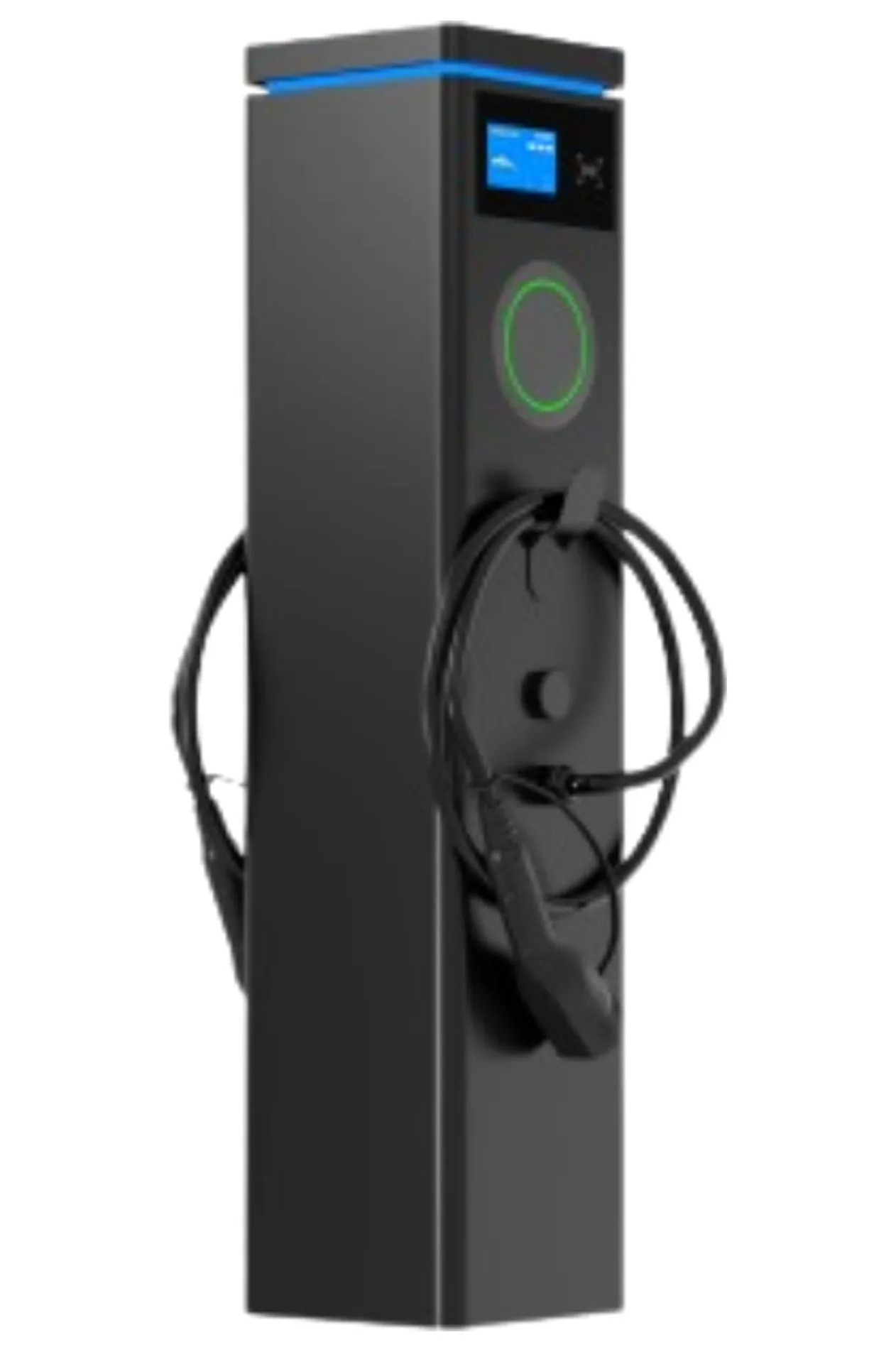
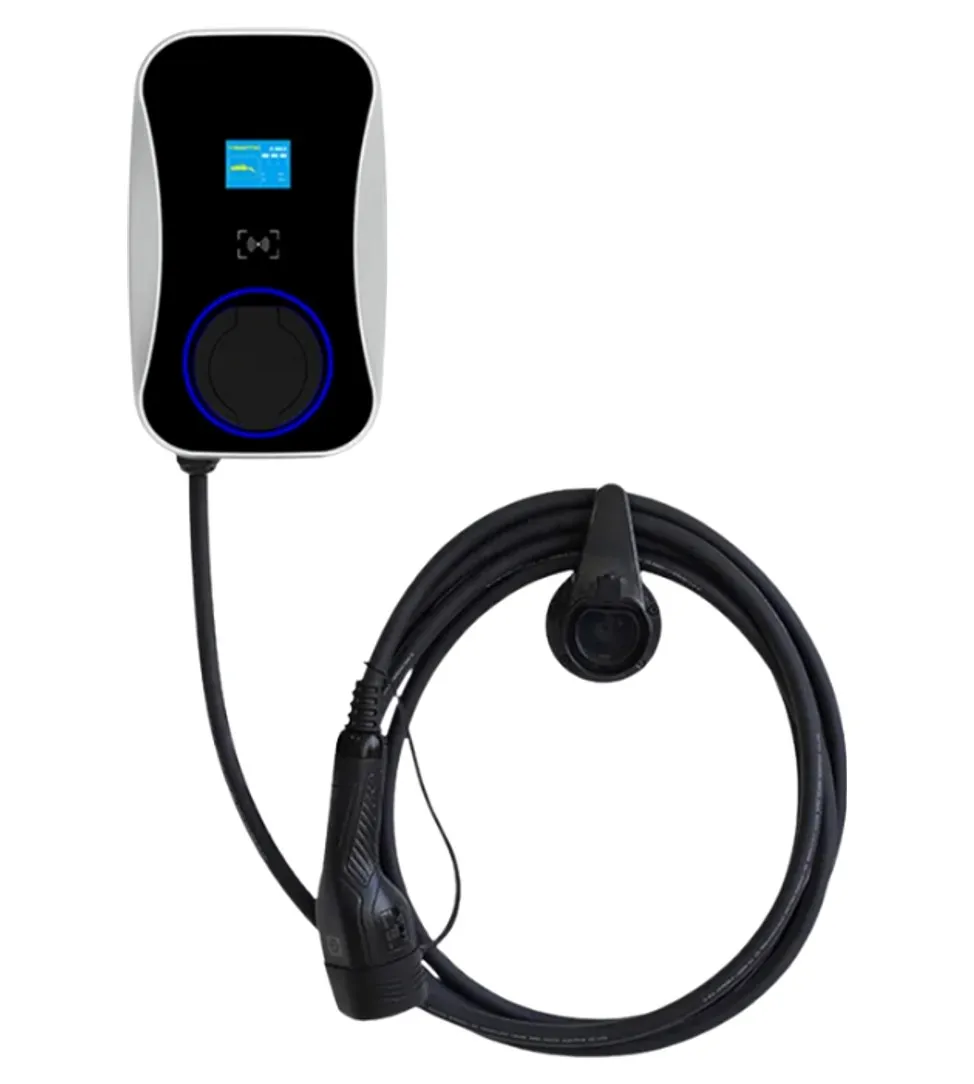
VULTAE chargers connect by OCPP 1.6J or 2.0.1, so session data can go to the platform you choose; see the dual-port pedestal and smart wallbox.
Questions buyers ask
- Do I need special software for a fleet?
- For more than a handful of chargers, yes. Scheduling, load management and per-vehicle reports are hard to do by hand and save money once the fleet grows.
- How is charging cost allocated to a vehicle or driver?
- By session: the software records the energy from the charger’s meter, applies the tariff and assigns the cost to the identified vehicle or driver. Home charging by drivers needs a separate reimbursement method.
- What is the first thing to check when choosing software?
- That it supports the OCPP version your chargers use and that you can export your data. Then check scheduling, load management and reports.