Fleet & Heavy Vehicles
Fleet Charging Reports: Which Data to Export and How to Use It
Which charging data fleet managers should export: sessions, energy, cost per vehicle, idle time, faults and tariffs, and how to turn it into decisions.
- Prepared by
- VULTAE Engineering Team
- Published
- Reading time
- 1 min
- Sources
- —
Key takeaways
- 1Charging data lets fleet managers allocate cost per vehicle or driver, find unused chargers, spot faults early and plan expansion. Choose the fields before you buy so the hardware and software can provide them.
- 2Key fields are session start and end, energy, charger and connector, vehicle or driver identity, power, status and errors, and tariff or cost.
- 3Make sure you can export the data in an open format and keep ownership of it.
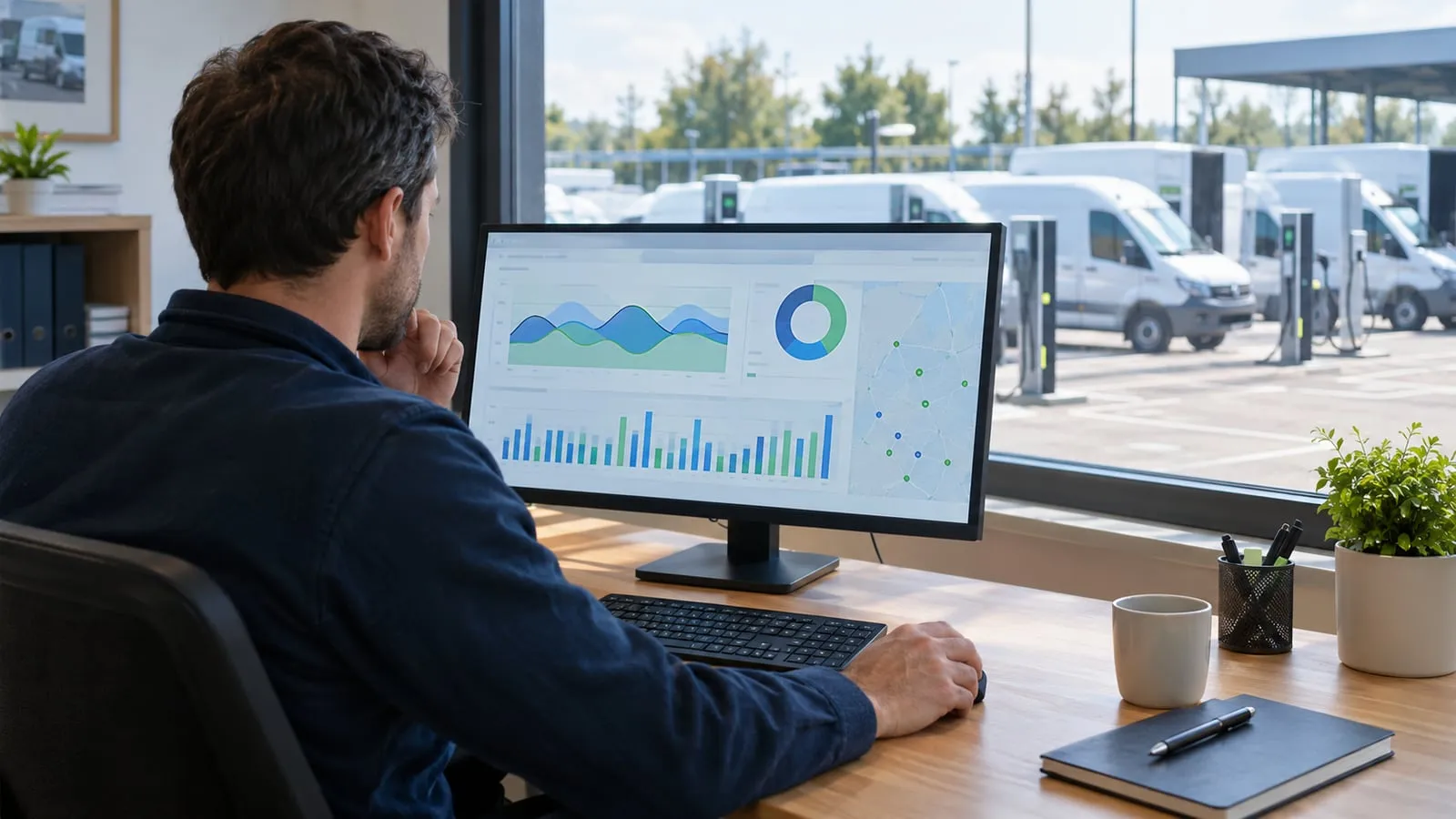
Short answer: decide which fields and reports you need before buying chargers or software. The most useful are energy and cost per vehicle, charger utilisation and faults and downtime. Make sure you can export the data and own it.
Core fields
| Field | Use |
|---|---|
| Session start and end | Dwell and idle time |
| Energy (kWh) | Cost allocation |
| Charger and connector ID | Utilisation, faults |
| Vehicle or driver ID | Cost per vehicle |
| Power over time | Peak load analysis |
| Status and error codes | Reliability |
| Tariff and cost | Billing and reimbursement |
Reports to build
- Monthly energy and cost per vehicle for finance.
- Utilisation per charger for planning.
- Idle time to improve parking discipline.
- Peak power for supply decisions — see fleet depot sizing.
- Faults and downtime — see uptime.
Data quality
| Risk | Mitigation |
|---|---|
| Missing vehicle ID | Require authorisation at every session |
| Meter accuracy | Use chargers with suitable metering |
| Clock errors | Check time synchronisation |
| Lost data | Ensure the charger stores data during outages |
Export and ownership
Ask: can I export CSV or an API? Who owns the data? What happens if I change the platform? See charge point management software and fleet cost allocation.
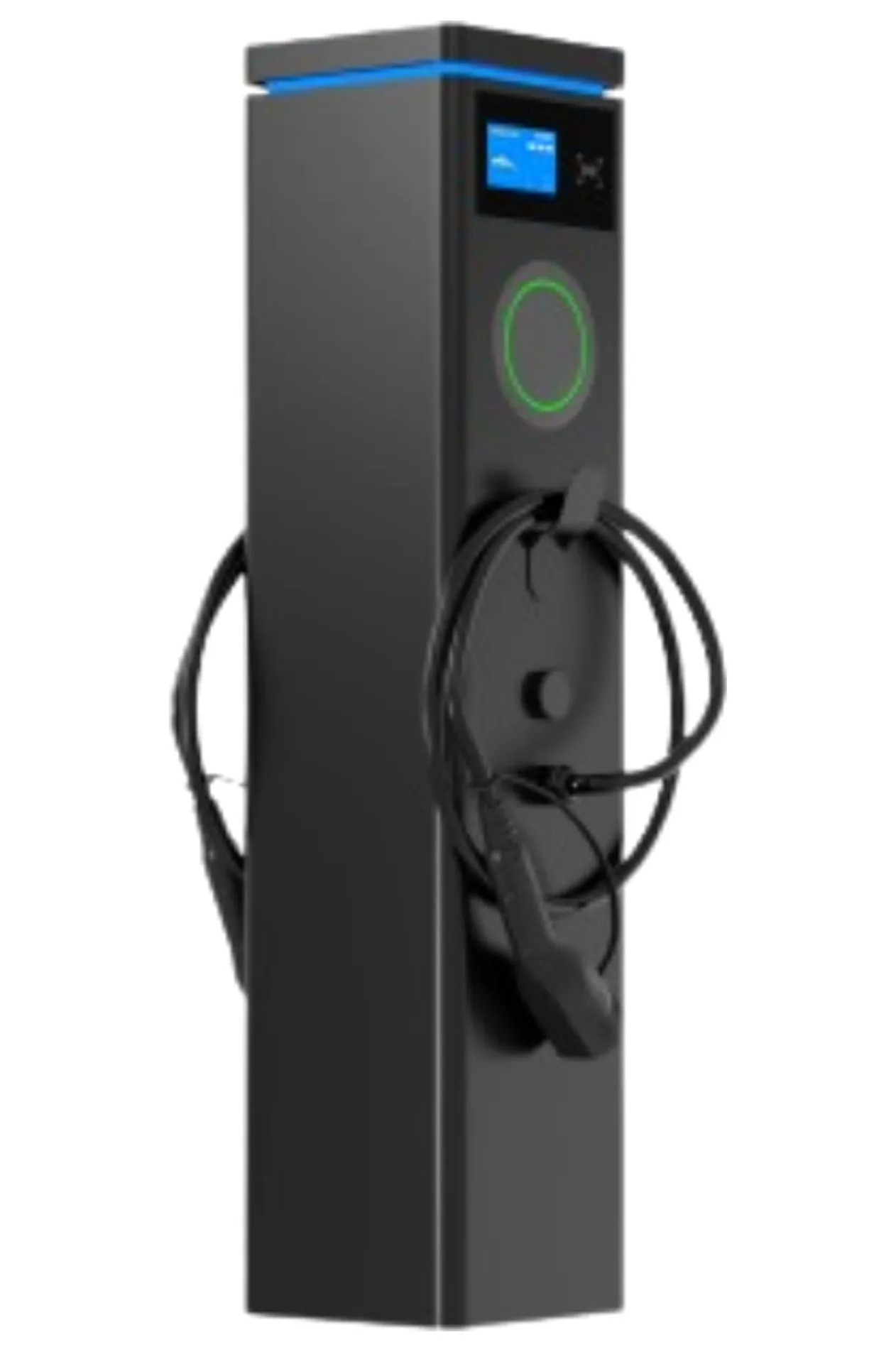
VULTAE chargers connect by OCPP 1.6J or 2.0.1, so session data can go to the platform of your choice. See the dual-port pedestal for depot use.
Questions buyers ask
- How do I identify which vehicle charged?
- With RFID cards, app login, plug & charge or a vehicle ID, depending on charger and back-end capabilities.
- Which report is most useful?
- Energy and cost per vehicle per month, charger utilisation, and a list of faults and downtime.
- Can I get data from the charger directly?
- Connected chargers send session data to the back end by OCPP. Export it from the platform, or ask the supplier what local data is available.