Sites & Applications
RFID Cards and Access Control for Private Charging Sites
How RFID cards, apps and plug-and-charge control who uses a private or shared EV charger: whitelists, offline authorisation, card types and cost allocation.
- Prepared by
- VULTAE Engineering Team
- Published
- Reading time
- 3 min
- Sources
- 2 references
Key takeaways
- 1RFID cards (or tags) are the simplest way to control who charges at a workplace, fleet, hotel or apartment building. The charger reads the card ID and either checks a local list or asks the back end.
- 2Authorisation can be local (a whitelist stored in the charger, works offline) or central (the back end decides, needs a connection). Many sites use both: central control with a local list as backup.
- 3Cards are not very secure by themselves: basic cards can be copied. For higher security use encrypted cards, apps or plug-and-charge, and combine with back-end rules (time, limits).
- 4The point is cost allocation: link each card to a driver or account so that energy used can be billed or reported.
Contents
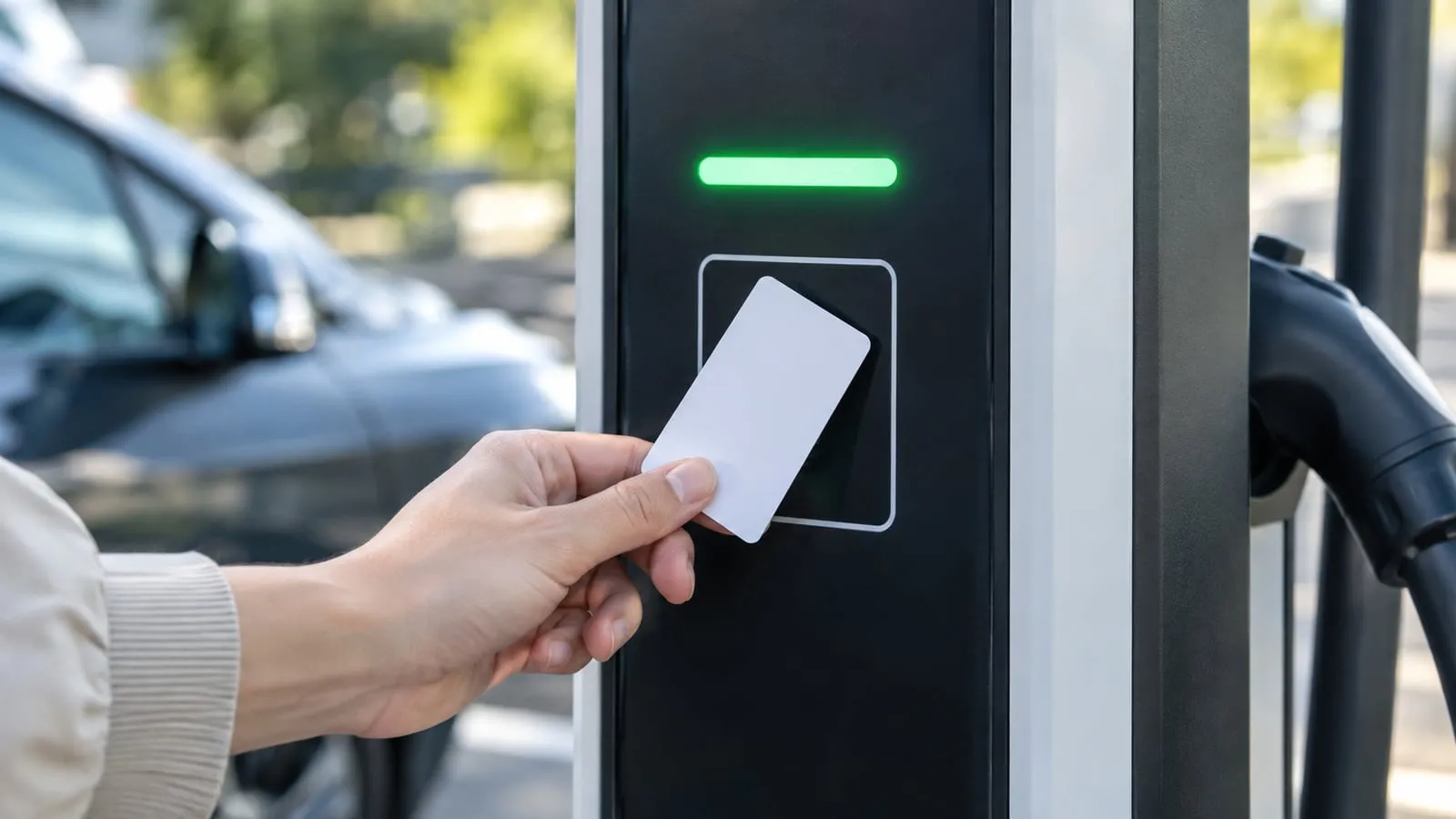
Short answer: RFID cards let you decide who charges and who pays. The charger checks the card against a local list (works offline) or the back end (central control). Use both for resilience. Basic cards can be cloned, so use stronger methods where security matters, and link each card to an account so energy can be billed.
Authentication options
| Method | How it works | Pros | Cons |
|---|---|---|---|
| RFID card or tag | Tap card; ID checked | Simple; works offline with local list | Can be lost; basic cards can be cloned |
| App with QR or login | Scan or select in app | No cards; flexible | Needs phone and network |
| Plug & Charge (ISO 15118) | Car identifies itself by certificate | Seamless | Needs support in car and back end — see ISO 15118 |
| Free vend (no access control) | Anyone can charge | Simplest | No control, no billing |
| PIN or code | Enter a code | Cheap | Easily shared |
Local vs central authorisation
| Local list in charger | Central (back end) | |
|---|---|---|
| Works offline | Yes | No (unless cached) |
| Update speed | Needs synchronisation | Immediate |
| Rules (limits, time) | Basic | Rich: per user, schedule, tariff |
| Typical use | Small sites, fallback | Fleets, public networks |
OCPP supports both: the back end can push a local authorisation list to the charger and also authorise sessions online. Check the offline settings in the charger: allow known cards only, or none, or all. See troubleshooting for offline faults.
Site examples
| Site | Typical setup |
|---|---|
| Workplace | Employee cards linked to accounts; central rules; reimbursement reports |
| Apartment building | Resident cards; billing per resident — see multi-tenant billing |
| Hotel | Cards issued at check-in, or free for guests via app or room number |
| Fleet depot | Vehicle or driver cards; priorities and schedules |
| Public network | Roaming cards and app; RFID as one option |
| Home | Optional: a card as a simple lock for a shared driveway |
Card types and security
Most readers support ISO 14443 cards such as MIFARE Classic, DESFire or NFC tags. A basic card sends a fixed ID, which can be copied. For more security:
- Choose encrypted cards (for example DESFire) if the reader supports them.
- Combine with back-end rules: time windows, per-user limits, alerts for unusual use.
- Block lost cards quickly: a central back end makes this easy.
- Consider app login or Plug & Charge for high-value networks.
Cost allocation
The goal is usually to know who used what. The back end links card ID → driver → cost centre, and exports reports. For billing by kWh, use a calibrated or MID meter — see MID and Eichrecht and charge point management software.
Questions for the supplier
- Which card types does the reader support?
- Is there a local authorisation list, and how many cards?
- What is the offline behaviour, and can I set it?
- Can cards be blocked remotely?
- Which OCPP features are supported for authorisation?
- Are the cards supplied, and at what cost?
VULTAE
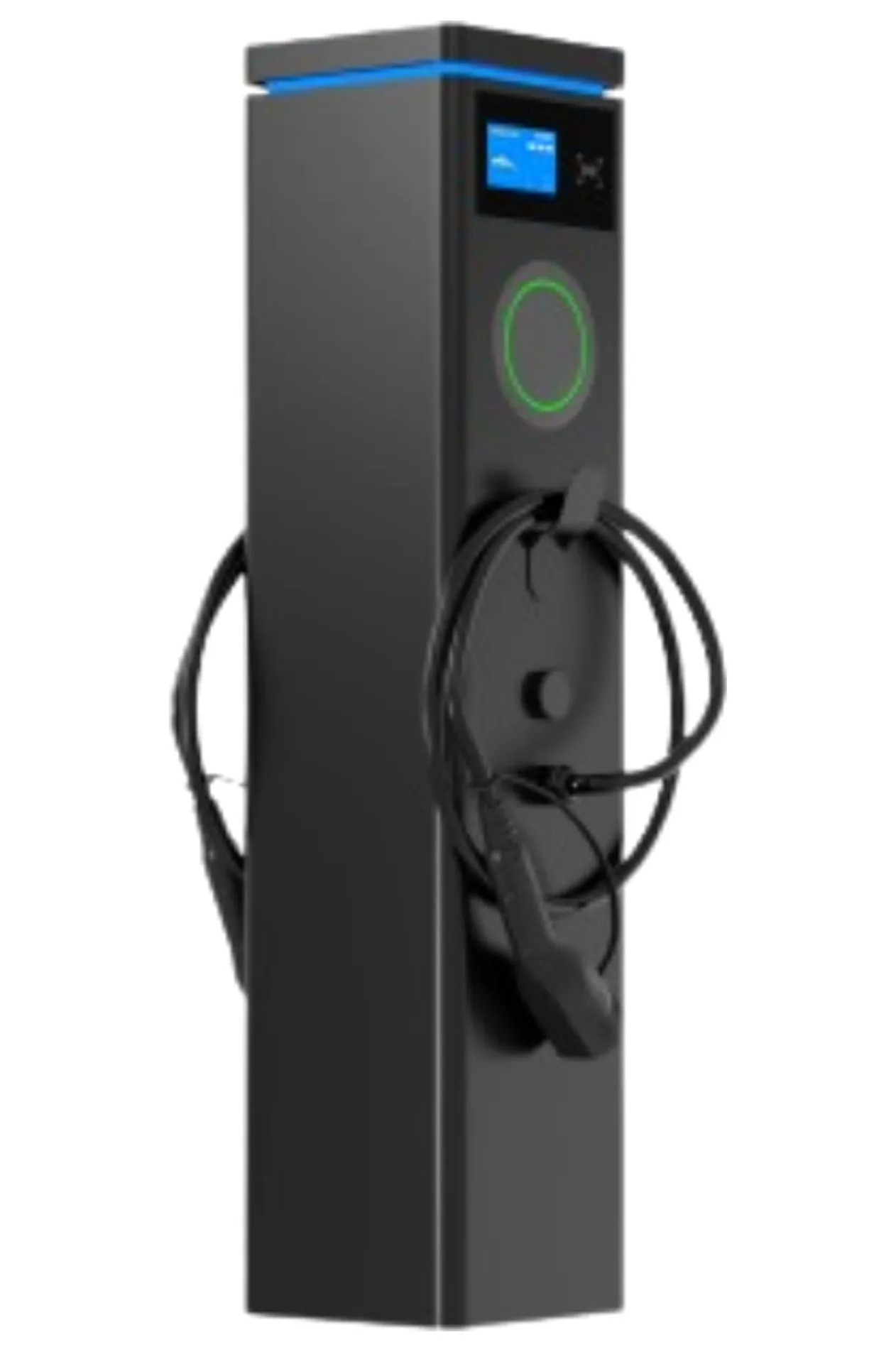
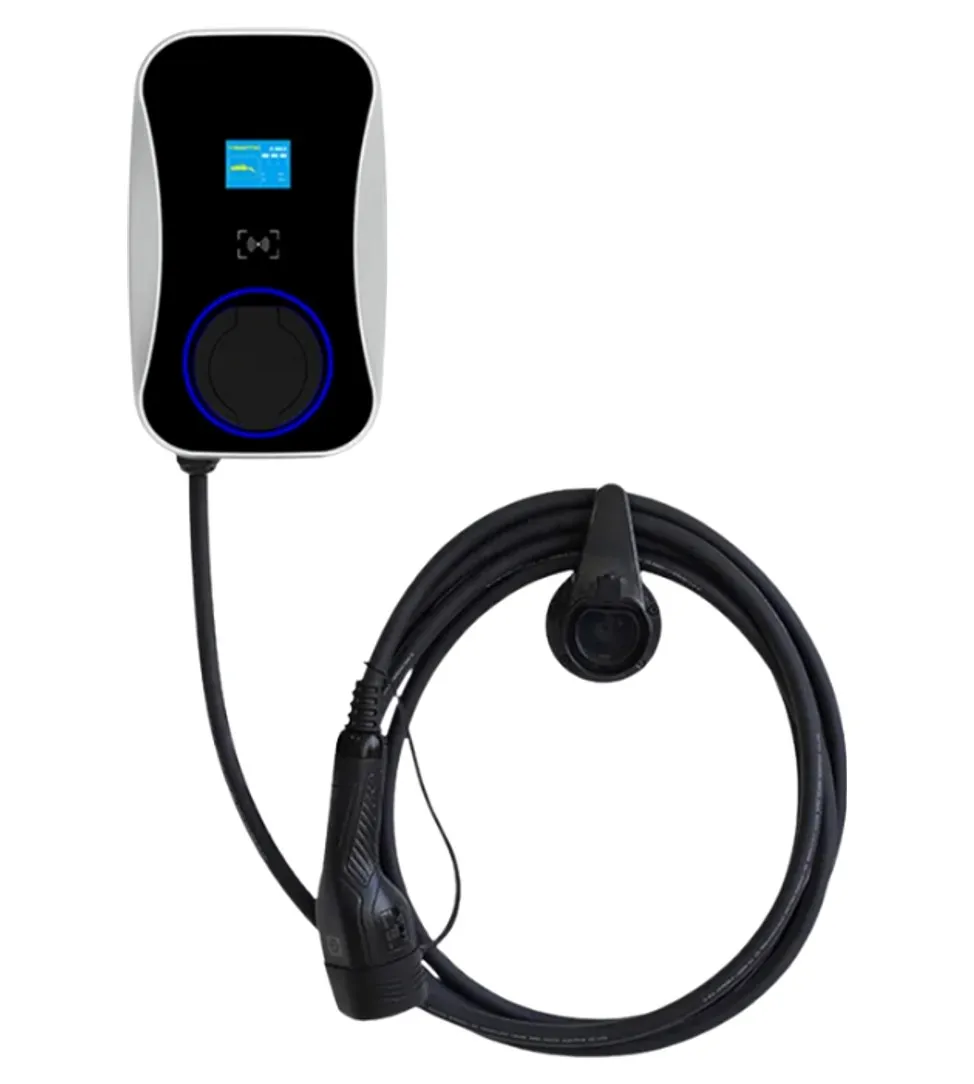
VULTAE chargers offer RFID, app and plug-and-charge start modes and RFID as an option on AC chargers, with OCPP 1.6J / 2.0.1 for central control. Commercial models add payment-terminal support. See the dual-port pedestal and the smart wallbox; related guidance is in smart charger features.
Questions buyers ask
- How does RFID authentication work on an EV charger?
- The driver taps a card on the reader. The charger reads the card’s ID and checks it, either against a list stored locally or by asking the back end through OCPP. If accepted, the charger starts the session.
- What happens to RFID when the internet is down?
- A charger with a local authorisation list can still accept known cards. Without one, it may refuse everyone or allow everyone, depending on settings. Choose the behaviour deliberately and test it.
- Are RFID cards secure?
- Basic cards identify by a fixed ID that can be cloned. They are enough for low-risk sites; for more security use encrypted cards, apps with login, or Plug & Charge, and monitor usage in the back end.
- Can I use my own cards?
- Usually yes, if the reader supports the card type (commonly ISO 14443 / MIFARE). The cards are registered by their ID in the back end or charger list.
References
- [1]Open Charge Point Protocol (OCPP). Open Charge Alliance.
- [2]ISO 15118-20:2022. International Organization for Standardization.