AC Charging
AC Charger With Display or Without: Is the Screen Worth It?
Does an AC EV charger need a screen? Compare LED-only and LCD models on cost, usability, support calls, vandalism and payment, and see which sites benefit.
- Prepared by
- VULTAE Engineering Team
- Published
- Reading time
- 2 min
- Sources
- —
Key takeaways
- 1A screen shows status, energy, time and error messages. It earns its cost where many different drivers use the same charger; for a private home charger an LED status ring is usually enough.
- 2A display adds cost and one more part that can be scratched, vandalised or fail in sun and rain. Its main benefit is fewer support calls and faster fault-finding for drivers and operators.
- 3Decide by user type, not by looks: one owner, a trained fleet, or the public. Then check the screen’s brightness, protection rating and language options.
Contents
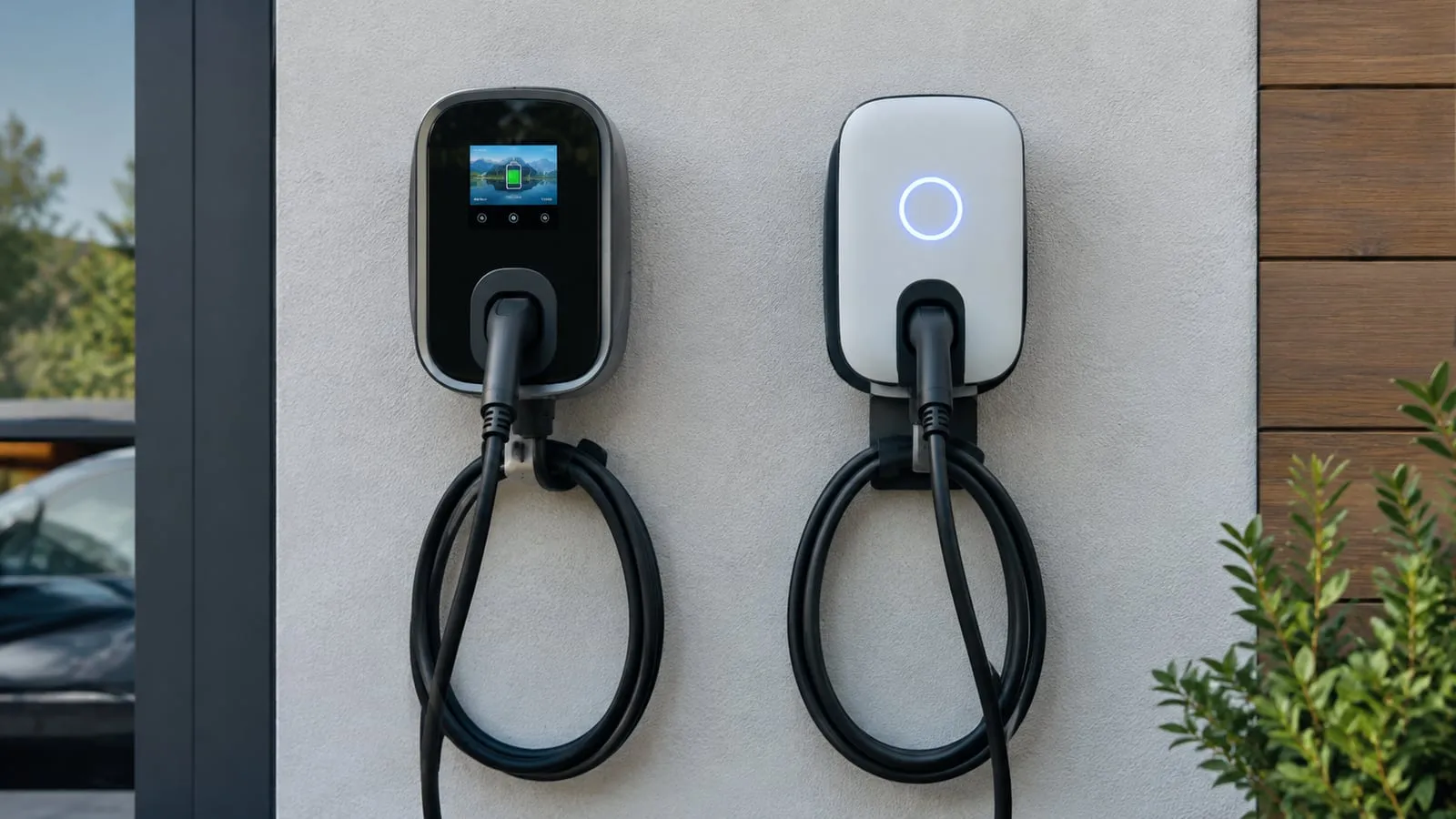
Short answer: a private home charger works well with an LED status ring; shared and public sites benefit from an LCD screen that shows status, energy, time and errors. The screen costs more and is one more part exposed to weather and impacts, so choose it for the user, not for appearance.
What each version tells the driver
| LED ring only | LCD screen | |
|---|---|---|
| Status | Colour: ready, charging, fault | Colour plus text |
| Energy and time | Not shown (use the app) | Shown on the charger |
| Error information | A fault colour, sometimes a blink code | Message or code in text |
| Instructions for new users | None | Short prompts |
| Cost | Lower | Higher |
| Parts that can fail or be damaged | Fewer | One more |
| Best for | Homes, small fleets with trained drivers | Car parks, hotels, workplaces, retail |
What a screen really adds
1. Fewer support calls. A driver who sees “no communication” or “earth fault” on the screen can tell the operator what happened. With an LED ring the driver sees only a colour, and the operator has to guess. See troubleshooting and LED status codes.
2. Confidence at shared sites. New users want to see that charging has started and how much energy has gone in. This matters most where the charger is used by visitors.
3. A place for instructions and branding. A screen can show start-up instructions, payment prompts and, on OEM units, your brand.
What a screen costs you
- Hardware cost — a display, its driver and a larger front panel.
- Failure points — screens can fade or crack in strong sun, extreme heat or after impacts. In hot climates check the operating temperature of the display itself.
- Maintenance — a replacement screen is a spare part to stock; see the spare parts list.
Checklist before you choose
- Who will use the charger? One owner, a fleet, or the public.
- Sunlight: is the screen readable at noon? Ask for a sample outdoors.
- Protection: the IP and IK ratings apply to the whole charger including the screen; see IP and IK ratings.
- Language: can the screen show your drivers’ language?
- Payment and ID: if you take card payment or RFID, the screen is where prompts appear.
- Spares: what is the lead time for a replacement screen?
Decision guide
| Site | Suggested |
|---|---|
| Private garage, one owner | LED ring, app |
| Apartment car park with residents | LED ring or LCD, depending on how many users share |
| Workplace with many employees | LCD |
| Hotel, retail, public car park | LCD, with payment option |
| Fleet depot with trained drivers | LED ring; add LCD if drivers rotate often |
VULTAE options
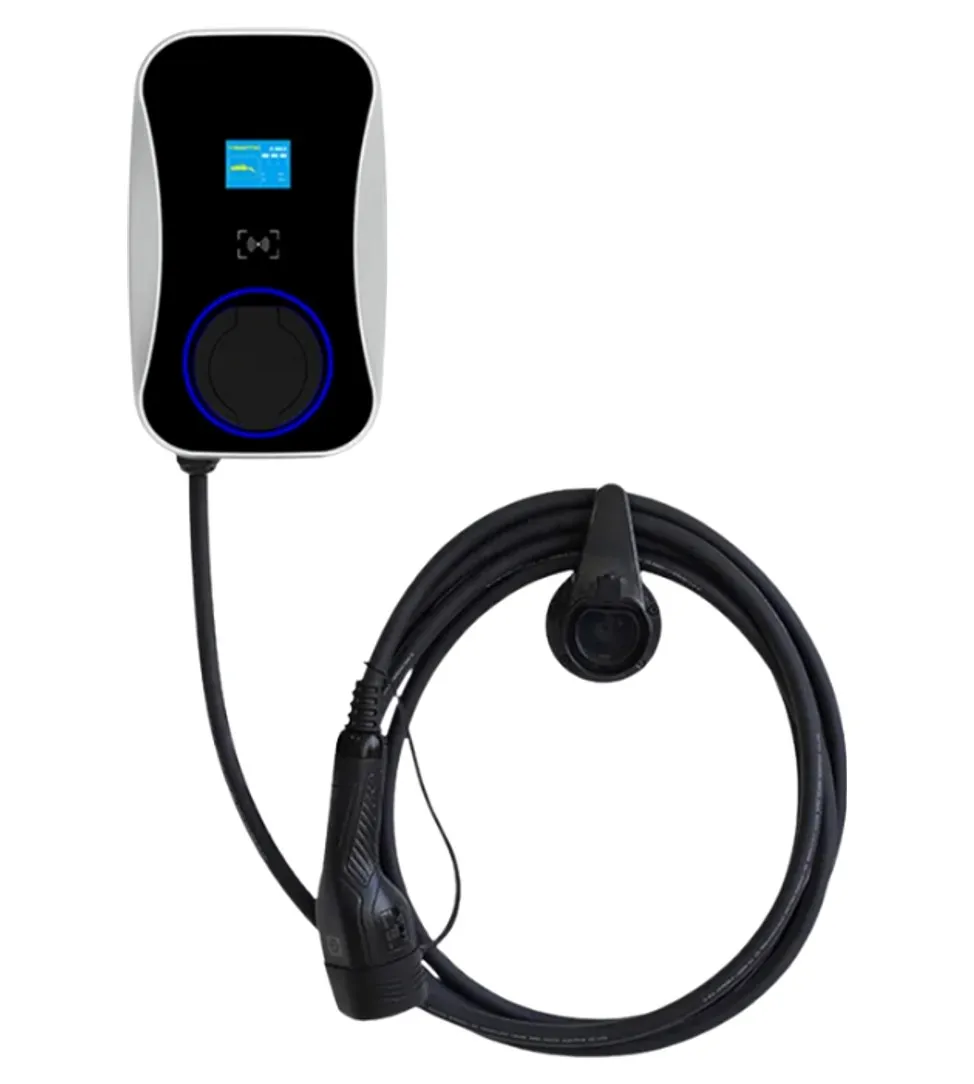
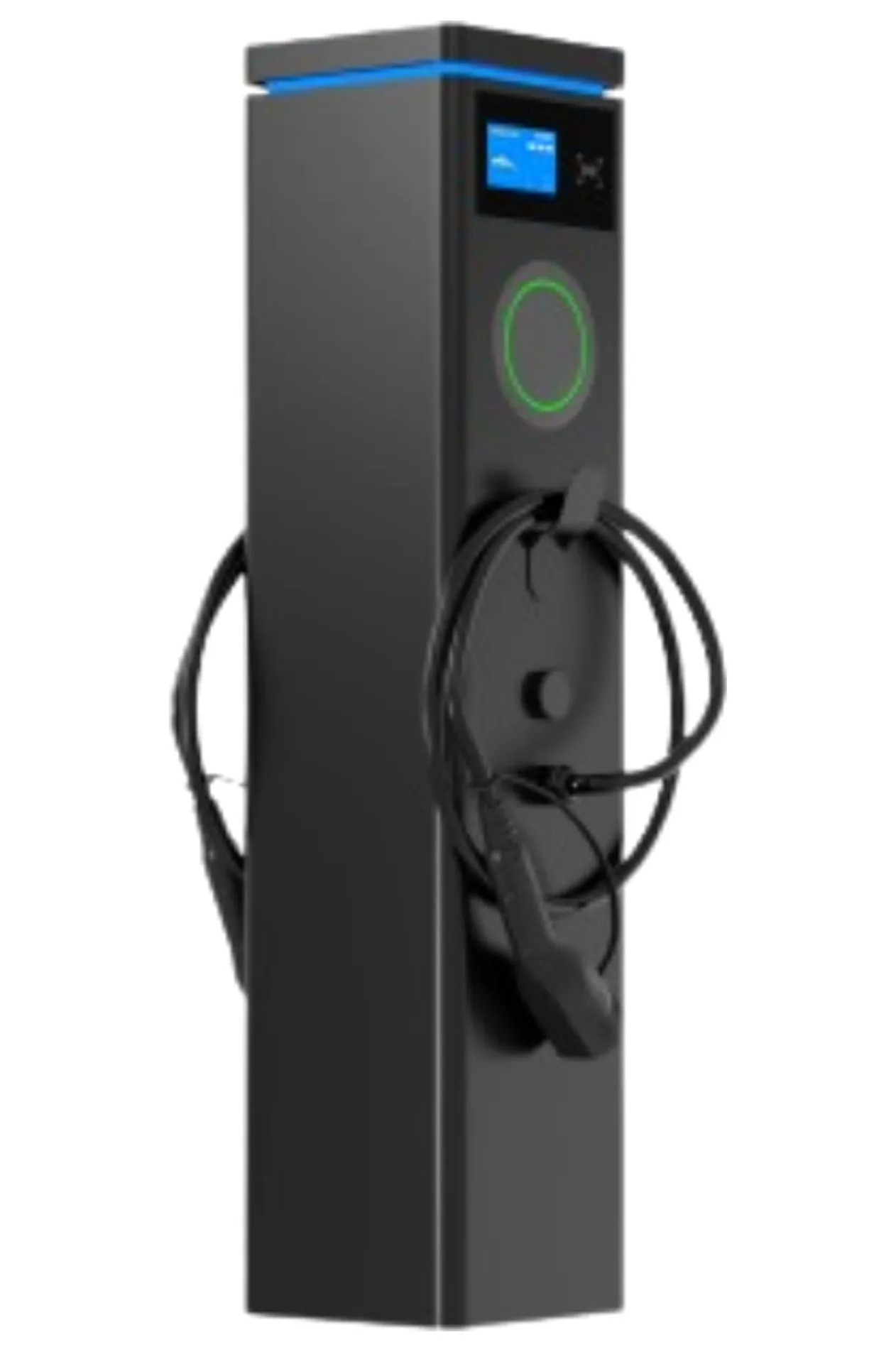
The smart wallbox has an LED status ring with an optional LCD screen, and the dual-port pedestal carries two LCD screens plus LED status, one per charging point. If you are unsure, tell us how many different drivers will use the charger and we will suggest a version.
Questions buyers ask
- Is an LCD screen necessary on a home charger?
- No. A single owner who knows the charger gets what they need from an LED status ring and the app. The screen mainly helps shared sites where drivers need to understand what the charger is doing.
- Can a screen be added later?
- Usually the screen is an option chosen at order, because it changes the front panel and the electronics. Ask the supplier whether a model can be upgraded and what it costs before you buy.
- Does a screen help with billing disputes?
- It shows energy and session time at the charger, which helps drivers check a session. Billing itself still depends on the meter and the back end.