Connectors & Protocols
Migrating EV Chargers Between CPMS Platforms: A Practical Plan
How to move OCPP chargers from one charge point management platform to another: what to prepare, the cut-over steps, data to export and what can go wrong.
- Prepared by
- VULTAE Engineering Team
- Published
- Reading time
- 2 min
- Sources
- 1 references
Key takeaways
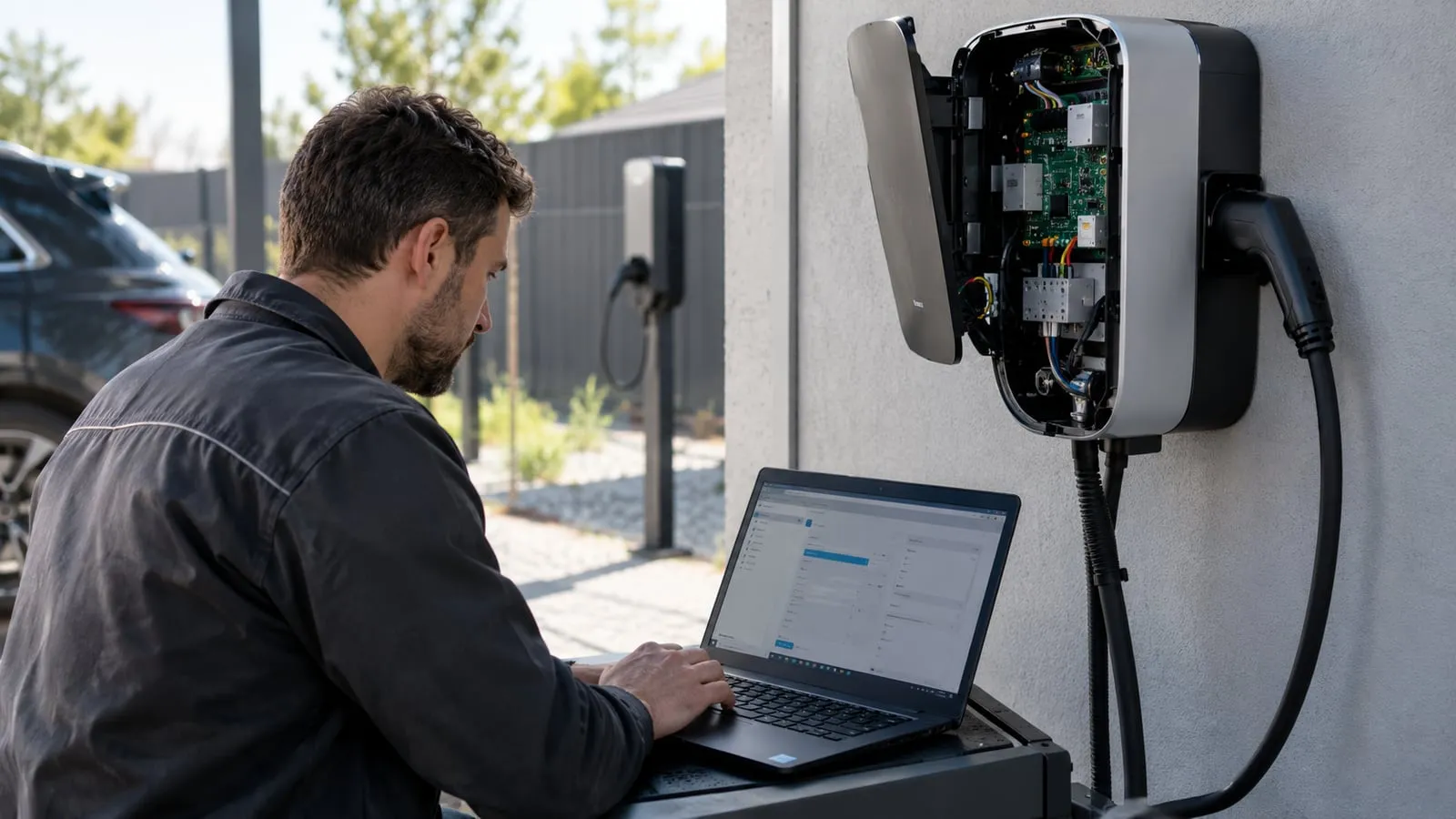
- 1With OCPP, moving chargers to a new platform is mostly a configuration change: a new back-end address, credentials and identity. The hard part is what surrounds it: tariffs, user accounts, RFID cards, session history and roaming.
- 2Plan the migration per site: test one charger, write the cut-over steps, schedule a quiet period and keep a rollback path. Export your data before you start, because some of it cannot be recovered afterwards.
- 3Check at purchase time that the charger can change its back-end address remotely, supports the security profile your new platform requires and does not lock you to one vendor.
Contents
Short answer: with OCPP the charger side is a short configuration change. Plan the data, tariffs, users and roaming around it, test one charger first and keep a rollback.
What changes and what does not
| Item | Changes with the platform? | Action |
|---|---|---|
| Back-end URL and charger identity | Yes | Set in the charger configuration |
| Security profile and certificates | Often | Check TLS support; see OCPP security profiles |
| Tariffs and pricing | Yes | Rebuild in the new platform |
| User accounts, RFID tokens | Yes | Export and import or re-register |
| Session history, invoices | Stays behind | Export and archive |
| Roaming links | Yes | Re-sign agreements; see OCPP vs OCPI vs OICP |
| Firmware | Maybe | Update only if needed |
Before you start
- Check the charger side: OCPP version, supported profiles, whether the back-end address can be changed remotely. See OCPP 1.6J vs 2.0.1.
- Export data from the old platform: sessions, tariffs, users, tokens, fault history.
- Prepare the new platform: sites, chargers, tariffs, payment and user rules.
- Write the cut-over steps for each charger model.
- Agree the test plan with the new provider; use the OCPP integration test checklist.
Cut-over steps
| Step | Detail |
|---|---|
| 1. Pilot | One charger on a quiet site, with someone present |
| 2. Switch | Change the URL, identity and credentials |
| 3. Verify | Boot, heartbeat, status, test session, meter values, remote start and stop |
| 4. Compare | Check one session end to end against meter readings |
| 5. Roll out | Site by site, outside peak hours |
| 6. Retire | Turn off the old connection after a monitoring period |
Keep the old platform running until the new one has handled a normal week of sessions.
Common problems
- Identity mismatch: the charger ID in the new platform differs from the configured one, so it never registers.
- Certificates: a TLS profile fails because the certificate chain is not installed.
- Tariff differences: price shown to the driver does not match the invoice.
- Lost tokens: RFID cards stop working until imported.
- Offline buffering: transactions stored in the charger arrive at the wrong platform.
- Clock drift: timestamps differ and sessions appear in the wrong period.
Contract and supplier points
- No lock-in: ask whether the charger works with any standard-compliant back end and whether any licence or fee is tied to one platform.
- Remote configuration: can you change the URL, certificates and firmware remotely? See OTA firmware updates.
- Support: who helps if a model behaves differently with the new platform?
If you are choosing a platform now, see choosing a CPMS. VULTAE chargers support OCPP 1.6J and 2.0.1; send us your current and new platform and we will confirm the configuration.
Questions buyers ask
- Can I change the platform without visiting the charger?
- Often yes: the new back-end address and credentials can be changed remotely, if the charger supports it and is online. Test one charger first and keep a person on site for the pilot.
- What happens to session history?
- History stays with the old platform unless you export it. Export sessions, tariffs, user lists and RFID tokens before you switch and agree with the new provider what can be imported.
- Do I need to change the firmware?
- Not necessarily. You may need a firmware update to support a newer OCPP version or a security profile the new platform requires. Check with the supplier first.
References
- [1]Open Charge Point Protocol (OCPP). Open Charge Alliance.