OEM & Private Label
EV Charger User Manual Checklist for OEM Brands
What an OEM EV charger manual should contain: safety, installation, commissioning, operation, maintenance, troubleshooting, languages and legal text.
- Prepared by
- VULTAE Engineering Team
- Published
- Reading time
- 3 min
- Sources
- —
Key takeaways
- 1A manual is part of the product and often part of the compliance package. Plan it together with the charger: content, languages, approvals, version control and updates.
- 2It must cover safety, installation, commissioning, operation, maintenance and troubleshooting, with diagrams, ratings and torque values, and it must match the firmware, the options and the rating label of the exact model you sell.
- 3For a private-label charger, replace the factory’s identity with yours, check every translation of safety text with a native speaker and keep each manual version linked to a hardware and firmware revision.
Contents
Short answer: a good OEM manual covers safety, installation, commissioning, operation, maintenance and troubleshooting, in the right languages, with your brand and legal text and a version that matches the firmware. Plan it with the product, not after.
Why the manual matters
The manual is read by the electrician who installs the charger, by the operator who sets it up and by the driver who uses it. It is also a document that inspectors, certification bodies and insurers may ask for. A manual that is wrong, missing a language or out of date with the firmware creates support calls, failed inspections and warranty disputes.
Checklist by section
| Section | What it must contain |
|---|---|
| Safety | Warnings, qualified-person notice, symbols explained, what not to do |
| Product description | Model names, ratings, versions, options, what is in the box |
| Technical data | Voltage, current, power, frequency, protection class (IP, IK), operating temperature, dimensions, weight |
| Installation | Site requirements, mounting, wiring diagram, protection devices, cable sizes, torque values, earthing |
| Commissioning | Settings, current limit, tests, back-end and app set-up, firmware version |
| Operation | Starting and stopping a session, indicators and screen messages, authentication |
| Smart functions | Load management, scheduling, OCPP set-up, app pairing |
| Maintenance | Cleaning, inspection intervals, parts that wear, safe isolation |
| Troubleshooting | Error codes, first checks, when to call support |
| Disposal and legal | Waste and recycling information, declarations, warranty terms, contact details |
OEM-specific points
- Brand and contact details replace the factory’s, including the support address and the warranty text.
- Model names and options match the rating label, the certificate and the packaging; see packaging, labels and manuals.
- Features and screens described in the manual match the firmware you ship. If you customise the screen or the app, update the pictures and the steps.
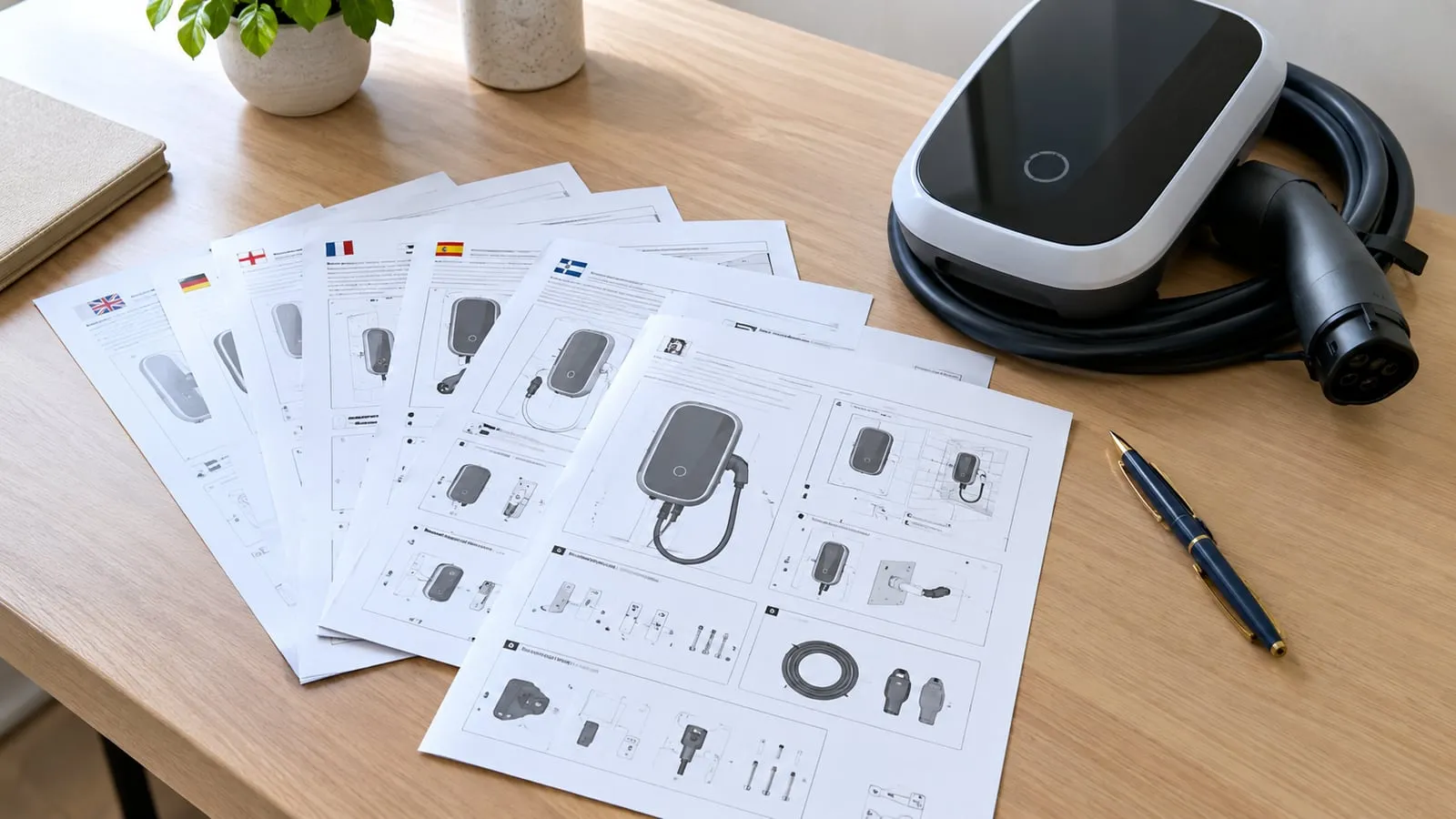
- Language packs for each market, reviewed by a native speaker with technical knowledge.
- Version control: each manual version states the hardware and firmware revision it applies to and the date.
- Local requirements: some markets require specific wording, symbols or declarations; check them with your compliance adviser.
Quality checks before release
| Check | Why |
|---|---|
| Technical review by an engineer | Ratings, diagrams and procedures are correct |
| Comparison with the rating label and certificate | No mismatch of model or values |
| Translation review | Meaning of safety text is preserved |
| Test with an installer | A real installer can follow the steps |
| Print check | Diagrams are legible at print size |
Common mistakes
- Leaving the factory’s name or an old model number in the text.
- Describing features the firmware does not have, or missing features it has.
- Using machine translation for safety text without review.
- Wiring diagrams that do not match the terminal layout of the delivered unit.
- No update process when the firmware changes.
Digital manuals and QR codes
A QR code on the quick guide that links to the latest manual online helps keep instructions current. Still supply the printed safety information and a quick guide in the box, because installers often work without a network connection.
Related reading
See certification after rebranding, the OEM RFQ template and VULTAE’s OEM / ODM page for what we can customise.
Questions buyers ask
- Who writes the manual for an OEM charger?
- Usually the factory writes the base manual and the brand adapts it. Agree in the contract who owns the text, who produces translations and who updates the manual when the product or firmware changes.
- Which languages does a manual need?
- The languages of your markets and customers, and any language that local rules require for safety information. Safety text should be reviewed by a native speaker with technical knowledge.
- Does the manual affect certification?
- Certification bodies often review instructions and markings together with the product. When you rebrand or change text, ask the body what must be re-checked.
- How long should a manual be?
- As long as it needs to be to cover installation and safe use clearly. A short quick-start guide for the installer plus a full manual is a good pattern.